Tools · DevOps
SyncerD vs Skopeo vs Harbor in 2026: Which One Should Mirror Your Images?
TL;DR
- Skopeo is a CLI tool with a real
skopeo synccommand. It copies images between registries in one command, but has no scheduler, no CronJob mode, and no alerting built in, you script and run the rest. - Harbor is a full container registry with a built-in replication feature (manual, scheduled, or on-push). It's powerful, but it means deploying and running an entire registry just to get sync.
- SyncerD sits between them: a lightweight sync engine with a built-in scheduler, smart tag detection, and native CLI/GitHub Action/Kubernetes CronJob modes, without requiring you to run a registry.
- This comparison covers container image sync only. Neither Skopeo nor Harbor does Git repository sync, which is SyncerD's other capability.
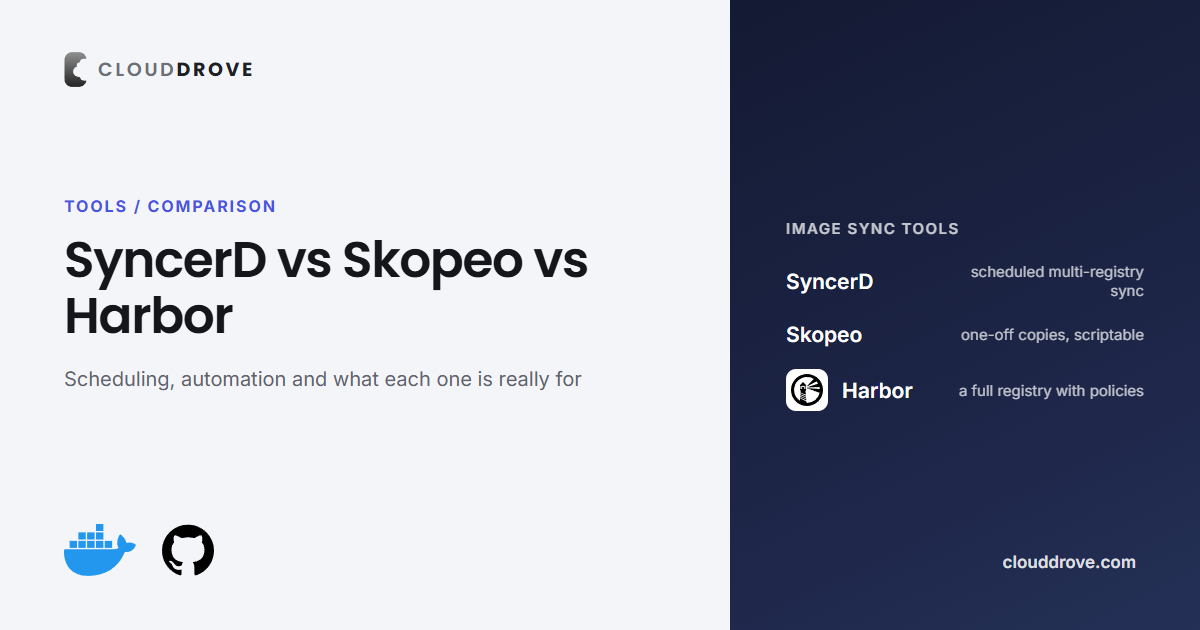
If your builds pull public images from Docker Hub, at some point you'll hit its rate limits and start looking for a way to mirror images into a registry you control. Three tools come up in that search: Skopeo, Harbor, and SyncerD. They solve the same problem from very different starting points, one is a bare CLI, one is a full registry, and one is a purpose-built sync engine.
What each one actually is
Skopeo is a command-line utility from the containers/Podman ecosystem for inspecting, copying, and deleting container images without needing a full Docker daemon. Its skopeo sync command copies an entire repository, or a filtered set of images, from one registry to another in a single invocation.
Harbor is a CNCF container registry, a full server you deploy and operate, with vulnerability scanning, access control, and a replication feature. Harbor replication supports both push-based and pull-based replication between Harbor and other Harbor or non-Harbor registries (Docker Hub, ECR, ACR, GCR included), triggered manually, on a schedule, or on push.
SyncerD is a lightweight sync engine, not a registry. It mirrors images into the registries you already run (ECR, ACR, GCR, GHCR), with a built-in scheduler, smart tag detection so it only copies what's missing, and native support for running as a CLI, a GitHub Action, or a Kubernetes CronJob.
Scheduling and automation
Skopeo has no built-in scheduler. You wrap skopeo sync in a cron job, CI pipeline, or shell script yourself, and build your own retry and alerting logic on top. Harbor's replication runs on a manual trigger, a schedule, or automatically on push, since it's a feature of the registry itself. SyncerD ships with a built-in scheduler for continuous sync, and runs natively as a CLI command, a GitHub Action, or a Kubernetes CronJob, with optional Slack alerts on failure.
What it costs to run
Skopeo costs nothing to run beyond the sync job itself, it's a stateless CLI. Harbor is the heaviest option: you're standing up and maintaining a full registry (database, job service, core, registry storage) to get replication as a side effect. SyncerD is a single lightweight process or CronJob, it mirrors into registries you already have, so there's no new registry to operate.
Tag and change detection
Skopeo sync copies what you tell it to copy each run; avoiding redundant transfers is on you to script. Harbor's replication policies can filter by repository, tag, or label, but re-checking what's already present is handled by the registry's own state. SyncerD does smart tag detection by default, so a scheduled run only transfers what's actually missing at the destination, not the whole repository every time.
| Dimension | Skopeo | Harbor | SyncerDOur Tool |
|---|---|---|---|
| What it is | CLI utility | Full container registry | Lightweight sync engine |
| Built-in scheduler | Script it yourself | Manual/scheduled/on-push | Built in |
| Infrastructure to run | None, stateless CLI | Full registry stack | Single process or CronJob |
| Tag/change detection | Manual, you script it | Policy-based filtering | Automatic, syncs only what's missing |
| Run modes | CLI only | Registry feature | CLI, GitHub Action, K8s CronJob |
| Alerting | None built in | Registry-level events | Optional Slack alerts |
| Git repository sync | No | No | Yes, separate capability |
When each one actually fits
Reach for Skopeo when you need a one-off copy or a simple air-gapped mirror step inside a pipeline you already control end to end. Reach for Harbor when you need a full private registry anyway, security scanning, RBAC, project quotas, and replication becomes one feature of something you were going to run regardless. Reach for SyncerD when the actual problem is "stop failing on Docker Hub rate limits and keep pipelines fast," without taking on a new registry to operate.
What to avoid
- Don't stand up Harbor purely to get replication if you don't otherwise need a private registry, it's a lot of infrastructure for one feature.
- Don't rely on a bare
skopeo synccron job in production without building real alerting around it first, silent failures are the common failure mode. - Don't assume any of these three cover Git repository mirroring, only SyncerD does, as a separate capability.