Reliability & Operations · AWS
AWS Status: How to Check the Health Dashboard and Get Outage Alerts in Slack

TL;DR
- To check if AWS is down, open health.aws.amazon.com/health/status. You do not need to sign in.
- To see if an outage affects your account, sign in and open Your account health.
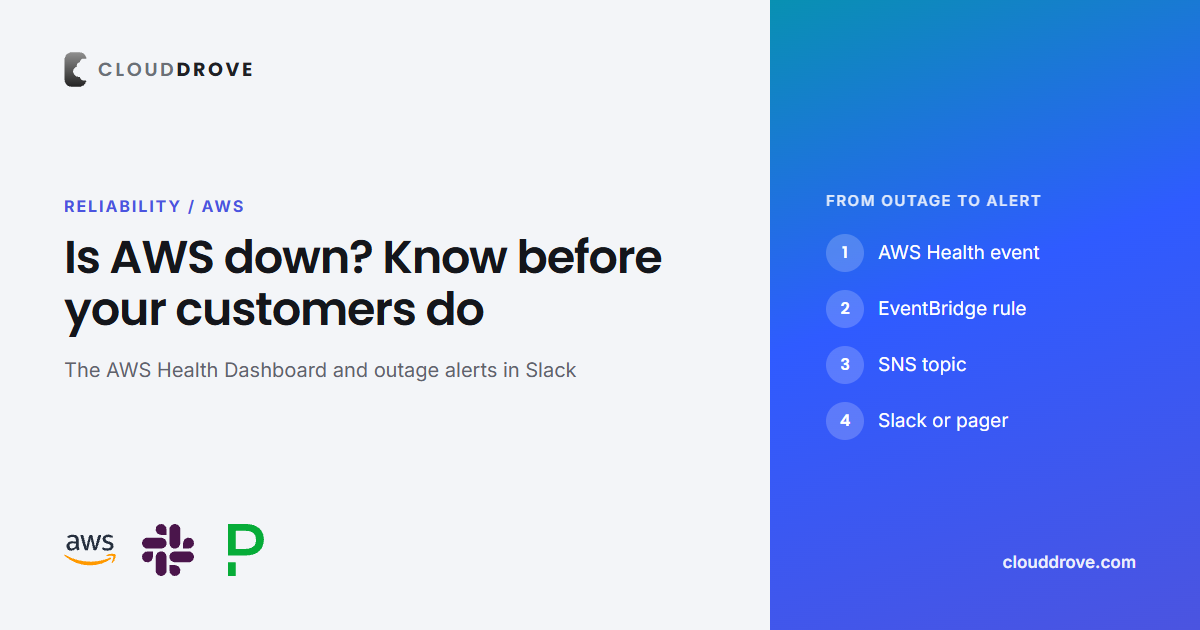
- To get alerts in Slack, connect AWS Health to Slack with EventBridge and SNS. This works on all support plans.
- Add the alert rule in every region you use, and also in us-east-1 and us-west-2.
On October 20, 2025, an AWS fault in us-east-1 stopped many apps around the world. It lasted more than 14 hours. During an outage, every team asks one question: is the problem at AWS, or on our side? This page shows you how to get the answer fast.
Is AWS down right now?
Open to everyone. Shows the status of all AWS services in all regions.
Downdetector and social media show reports from users. Use them as a first sign, not as proof.
The two views of the AWS Health Dashboard
Shows the status of all AWS services in all regions. Use it for a quick check.
Shows public events and the events that affect your own resources. For example, a problem with one of your EC2 servers.
Do you use AWS Organizations? Turn on the organizational view to see all your accounts in one place.
Four ways to follow AWS status
| 4 options | Public status pageQuick look | Your account healthYour impact | EventBridge alertsRecommended | AWS Health APIFor your own tools |
|---|---|---|---|---|
| Sign-in | Not needed | Needed | Set up once | Needed |
| Shows your resources | No | Yes | Yes | Yes |
| Tells you first | No, you look | No, you look | Yes, push | Your code asks |
| Support plan | Any | Any | Any | Business or Enterprise level |
| Best for | "Is AWS down?" for anyone | "Does this event hit us?" | Getting told in Slack or by a pager | Dashboards and scripts you build |
Our advice: use EventBridge alerts. Then nobody needs to remember to check a page.
Send AWS outage alerts to Slack, step by step
Do these 6 steps one time. After that, AWS tells you about problems in Slack.

Create an SNS topic
Create one topic, for example aws-health-alerts. All alerts go through it.
Add an EventBridge rule
Match events from aws.health. Set the SNS topic as the target.

Connect Slack
Open Amazon Q Developer in chat applications (before: AWS Chatbot). Add your Slack channel and the SNS topic.

Page a person
Connect PagerDuty or Opsgenie to the topic. Then a serious event wakes a person.

Copy it to all regions
Write the setup in Terraform. Then every region gets the same rule.
Test it
Send a test message to the SNS topic. Make sure that it shows in Slack.
Use this rule pattern in step 2. It sends only service issues, not planned maintenance:
{
  "source": ["aws.health"],
  "detail-type": ["AWS Health Event"],
  "detail": { "eventTypeCategory": ["issue"] }
}
To get all events, also planned maintenance, remove the "detail" line.
Which regions need a rule
AWS sends each event to the region where the problem is. One rule cannot see all regions.
Your regions
One rule in each region where you run something.
Global events
Events for global services, like IAM, come here. Add a rule, even if you run nothing here.
The backup
AWS uses this region as a backup. You still get alerts if the main region fails.
Why the backup? In October 2025, the problem was in us-east-1. An alert that lives only in us-east-1 can fail with it.
The first 15 minutes of an AWS outage
Check your monitoring
Look at errors and speed. Is it one service, one region or all?
Open Your account health
Look for open issues in your regions.
Decide: AWS or us?
AWS shows nothing? Check your last deploy first.
Tell your customers
Post a short update on your status page. Do not wait for all the facts.
Follow the runbook
Fail over if you have a tested plan. Stop all deploys.
Write it down
Record when your alert came and when AWS posted. Learn from the gap.
Quick answers
How do I check if AWS is down right now?
Open health.aws.amazon.com/health/status. It shows the status of all AWS services by region. You do not need to sign in.
What is the difference between the AWS status page and the AWS Health Dashboard?
They are one tool with two views. The public view (Service health) shows public events. The signed-in view (Your account health) also shows events that affect your own resources.
How do I get an alert when AWS has an outage?
Create an EventBridge rule for aws.health events. Send the events to an SNS topic. Connect the topic to Slack, email or PagerDuty. Add the rule in every region you use, and in us-east-1 and us-west-2.
How far back does AWS Health event history go?
90 days. To keep events for longer, send them from EventBridge to an S3 bucket or CloudWatch Logs.
Sources
- AWS Health Dashboard, AWS Health User GuideThe Service health and Your account health views, the public status page address and what each view shows.
- Monitoring events in AWS Health with Amazon EventBridge, AWS Health User GuideSending AWS Health events to EventBridge rules and targets.
- Creating EventBridge rules for AWS Region coverage, AWS Health User GuideA rule per region, global events in US East (N. Virginia), and US West (Oregon) as the backup region.
- Configuring Amazon Q Developer in chat applications to send notifications about events in AWS HealthThe EventBridge to SNS to Slack setup.
- Enabling organizational view, AWS Health User GuideOrganizational view in the console on all support plans, and the support plans needed for the AWS Health API.
- Viewing your account events in the AWS Health DashboardThe 90 day event log.
- Summary of the Amazon DynamoDB service disruption in the Northern Virginia (US-EAST-1) Region, AWSCause and timeline of the October 19 to 20, 2025 event.