Cost Optimization · AI Spend
How to Track and Cut AI API Spend (OpenAI, Anthropic, AWS Bedrock)

TL;DR
- AI APIs bill per token. Most surprise bills come from tokens nobody sees: long prompts, chat history, tool definitions, retries and agents that loop.
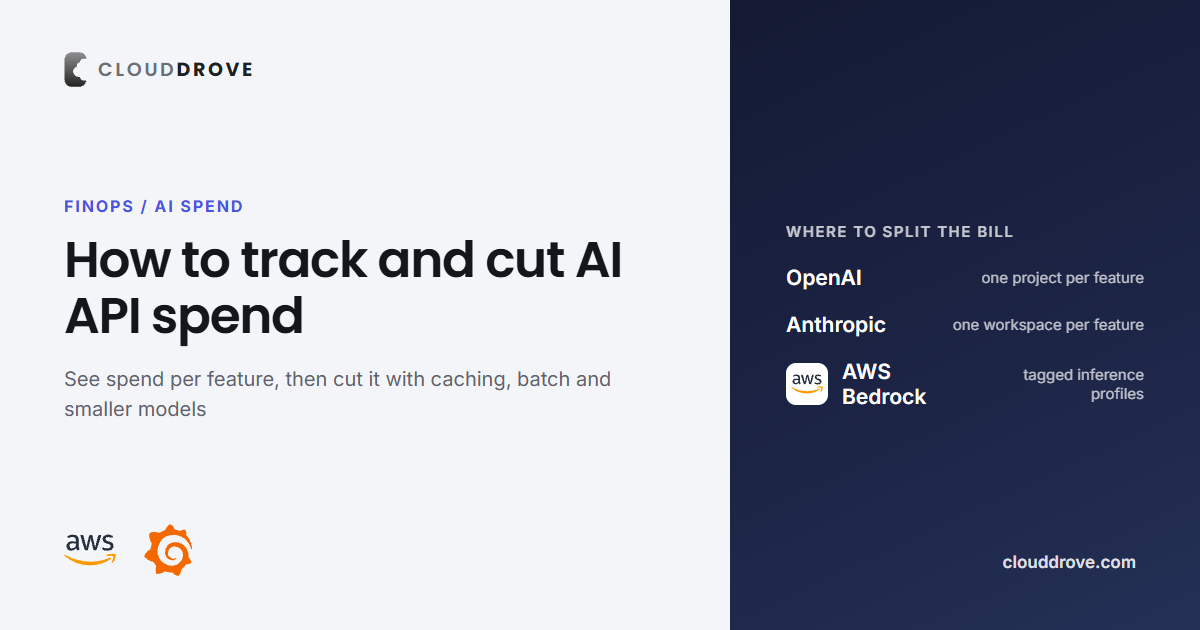
- To see spend per team or feature, give each one its own OpenAI project, Anthropic workspace or Bedrock inference profile, then read the cost data grouped that way.
- Put a budget and an alert on every one of them. All three providers support this, in different ways.
- The biggest levers: prompt caching, batch processing, smaller models for simple tasks, and a cap on output length.
Many SaaS teams now call an LLM (large language model) in several product features, internal tools and a coding agent or two. The bill grows, and nobody can say which feature caused it.
Our earlier posts covered the GPU side: GPU cost on AWS and idle GPUs on Kubernetes. This post is about the pay per token APIs from OpenAI, Anthropic and AWS Bedrock. We checked every feature here on the provider's own docs, and we leave out prices on purpose: they change too often.
Where AI API costs hide
All three providers bill by the token (a small piece of text, roughly part of a word). Input tokens and output tokens have separate prices. On OpenAI's and Anthropic's pricing pages, output costs more than input for the text models. The problem is that most tokens are ones nobody looks at.
Long prompts
The system prompt, examples and retrieved documents are sent again on every single call. A 5,000 token prompt on a busy endpoint adds up fast.
Chat history
In a chat feature, each new turn resends the whole conversation so far. Turn 20 pays for turns 1 to 19 again.
Tool definitions
Anthropic's pricing page says tool names, descriptions and schemas count as input tokens, plus a hidden tool use system prompt. Twenty tools on every call is a real cost.
Agents that loop
An agent makes many calls per task, each with the full context. One that gets stuck can run all night. Always set a maximum number of steps.
Retries
Each retry resends the full prompt. Retry loops with no limit, or retries on errors that will never succeed, double or triple the cost of a bad hour.
Shared dev and test keys
When CI tests, local experiments and production share one key, nobody can split the bill. Anthropic also notes that Console playground usage has no API key attached at all.
One more to watch: a model upgrade can change the bill even if your prompts stay the same. Anthropic's pricing page says its newer tokenizer (the part that splits text into tokens) produces about 30% more tokens for the same text than older models. Compare token counts on real traffic before you switch.
See spend per team and per feature
The rule is simple: one container per feature or team, and one key per container. Each provider has its own name for the container.
OpenAI: projects. OpenAI's production guide suggests separate projects for staging and production, with custom rate and spend limits per project. You can set spend alerts that email you when usage passes a dollar amount, and a hard spend limit to cap the month. For your own reports, the Usage API and Costs API (called with an admin key) return usage and cost grouped by project, API key or model.
Anthropic: workspaces. Workspaces separate projects, environments or teams under one bill. Each workspace can have its own monthly spend limit and rate limits, and email alerts when spend reaches an amount you choose (if Anthropic bills you directly). The Usage and Cost Admin API groups usage by API key, workspace and model, and cost by workspace, in USD. Anthropic says the data usually shows up within 5 minutes.
AWS Bedrock: application inference profiles and tags. You create an application inference profile for a model, attach tags such as team or feature, and call the model through that profile. Usage and cost for those calls are then tracked to the profile. One catch: AWS only shows tags in Cost Explorer after you activate them as cost allocation tags in the Billing console, and that can take up to 24 hours. Then add an AWS Budget with alerts on both actual and forecasted spend.
What each provider gives you
| Cost controls |  OpenAIProjects |
 AnthropicWorkspaces |
 AWS BedrockInference profiles |
|---|---|---|---|
| Split by team | One project per team, feature or environment | One workspace per team, feature or environment | Application inference profile with cost allocation tags |
| Cost data | Usage dashboard, Usage API and Costs API | Console Usage and Cost pages, Usage and Cost Admin API | Cost Explorer filtered by your activated tags |
| Caps and alerts | Spend alerts, hard spend limit, limits per project | Monthly spend limit and email alerts per workspace | AWS Budgets alerts on actual and forecasted cost |
| Prompt caching | On by default for supported models | Automatic or explicit cache_control | Implicit or explicit cache checkpoints, by model |
| Batch discount | 50% off 24 hour window | 50% off Most batches done in under 1 hour | 50% lower For select models |
If you use more than one provider, you also want one view across all of them, next to your cloud bill. You can build that yourself from the APIs above. We also build a tool for it: Xplorr, built by CloudDrove and in beta, tracks OpenAI, Anthropic, AWS Bedrock and Azure OpenAI spend together with AWS, Azure and GCP costs, split by provider and model, with budgets and Slack or email alerts.
A one week setup
The order we use. None of it needs new tools.
List every caller
Every feature, internal tool, CI job and agent that calls a model. Note the key it uses today.
Split the keys
One project, workspace or inference profile per feature. Separate production from dev and test.

Rotate old keys out
Move the new keys into your secrets manager. Delete the old shared key once traffic has moved.
Set caps and alerts
A spend limit or budget per container, with an alert well below the cap so you have time to act.

Pull cost data daily
Read the usage and cost APIs into one dashboard: spend per feature, per model, per day.

Review it weekly
Ten minutes with the feature owners. Which line grew, and why? Fix the top one.
A note on alerts. Billing data always arrives late. AWS says Budgets updates up to three times a day, and you can spend past a threshold before the alert reaches you. So a budget is a safety net, not a brake. The real brake is a cap in your own code: a maximum number of agent steps, a maximum number of retries, and a maximum output length.
Six ways to cut the bill
Once you can see spend per feature, pick the biggest line and work down this list.
Put the parts that never change (instructions, tools, reference docs) first and the user's input last, so the start of the prompt is the same every time. OpenAI caches by default on supported models. Anthropic charges 1.25x to write its 5 minute cache and 0.1x to read it on most models, so it pays off after one read.
Evaluations, bulk tagging, summaries of yesterday's tickets, embeddings for search. None of these need an answer in two seconds. All three batch APIs are priced 50% lower for supported models. Anthropic says batch and caching discounts can be combined.
Classification, extraction and short rewrites rarely need the biggest model. Anthropic's own advice is Haiku for simple tasks, Sonnet for most production work, Opus for the hardest reasoning. Run your own test set on the smaller model before you switch.
Output tokens cost more than input tokens. Set a maximum output token limit on every call (for example max_tokens on Claude), and ask for short, structured answers. OpenAI's cost guide also says to aim for shorter outputs.
If the same question with the same data gets the same answer, store it (in Redis, for example) and skip the model. The cheapest call is the one you never make.
Only send the tools a step needs, retrieve fewer and better documents, and summarize old chat turns. OpenAI's cost guide lists fewer requests and fewer input tokens as the first two levers.
On Bedrock, two details matter. Prompt caching works only on on-demand calls, not on batch jobs. And caching does not guarantee a hit: AWS says to check the cache read and write token fields in each response. If the cache read count stays at zero on any provider, caching is not working and the writes may cost you extra.
Running your own models on GPUs too? Our Kubernetes cost guide covers the cluster side.
A short checklist
- Every feature has its own project, workspace or inference profile, and its own key.
- Production keys are separate from dev, test and CI keys.
- Each container has a spend limit or budget, and an alert below it.
- Agents have a step limit, and retries have a maximum count.
- Every call sets a maximum output length.
- Long, repeated prompts use caching, and you check the cache read numbers.
- Work that can wait goes through a batch API.
- Someone reviews AI spend per feature every week.
Quick answers
Why is our AI API bill higher than we expected?
Usually because the model reads far more tokens than anyone thinks. Long system prompts, full chat history, tool definitions and retrieved documents are sent again on every call. Agents make many calls per task, and retries pay again. Output tokens also cost more than input tokens on the main providers.
How do we see AI spend per team or per feature?
Give every feature or team its own container and key: a project on OpenAI, a workspace on Anthropic, and an application inference profile with tags on AWS Bedrock. Then read the provider's usage and cost data grouped by that container, and set a budget and an alert on each one.
What is the fastest way to cut AI API costs?
Start with the cheap wins. Turn on prompt caching for long, repeated prompts. Move work that can wait, such as evaluations or bulk tagging, to the batch APIs, which OpenAI, Anthropic and Bedrock price 50 percent lower for supported models. Then route simple tasks to a smaller model and cap output length.
Does prompt caching always save money?
No. Writing to the cache can cost more than normal input, so caching only pays off when the same prefix is read again before the cache expires. Anthropic says its 5 minute cache pays off after one read. Check the cache read and cache write fields in each response to see if it is working.
Sources
- Production best practices, OpenAI API docsSeparate projects for staging and production, rate and spend limits per project, spend alerts, hard spend limit, usage dashboard.
- Usage and Costs API reference, OpenAIUsage and cost endpoints, grouping by project, API key and model, admin key access.
- Prompt caching, OpenAI API docsCaching on by default for supported models, stable prefix first, cache writes on newer models cost more than standard input.
- Batch API, OpenAI API docs50% discount compared to synchronous APIs, 24 hour completion window.
- Cost optimization, OpenAI API docsFewer requests, fewer tokens, shorter outputs, smaller models, batch.
- Pricing, OpenAI API docsSeparate input, cached input and output prices; output priced above input for text models.
- Workspaces, Claude Platform docsWorkspaces per project, environment or team; monthly spend limits, email alerts and rate limits per workspace.
- Usage and Cost API, Claude Platform docsGrouping by API key, workspace and model; cost in USD; data within about 5 minutes; playground usage has no API key.
- Prompt caching, Claude Platform docsAutomatic and explicit caching, 5 minute default and 1 hour option, cache write and read multipliers.
- Batch processing, Claude Platform docs50 percent lower cost, most batches finish in under 1 hour.
- Pricing, Claude Platform docsTool use token overhead, newer tokenizer about 30% more tokens, caching pays off after one read, batch and caching discounts stack, model choice advice.
- Create an application inference profile, Amazon Bedrock User GuideTracking usage and cost per model through inference profiles with tags.
- Organizing and tracking costs using AWS cost allocation tagsTags must be activated before they appear in Cost Explorer; up to 24 hours to appear.
- Managing your costs with AWS BudgetsAlerts on actual and forecasted cost, updates up to three times a day, notification delay.
- Prompt caching, Amazon Bedrock User GuideImplicit and explicit caching, no caching on batch inference, check cache usage fields.
- Batch inference, Amazon Bedrock User GuideHow batch inference works with S3 input and output.
- Amazon Bedrock pricingBatch inference at a 50% lower price than on-demand for select models.
- XplorrAI spend tracking for OpenAI, Anthropic, AWS Bedrock and Azure OpenAI; built by CloudDrove; in beta.